01Organise sources and processing.
Manage source connections, linked data and datasets through a shared interface. Define processing steps and their order so the setup behind the warehouse is easier to inspect and maintain.
- Data-source and linked-table administration
- Dataset configuration
- Stored procedures and processing sequences
02Keep lookup data and mappings connected.
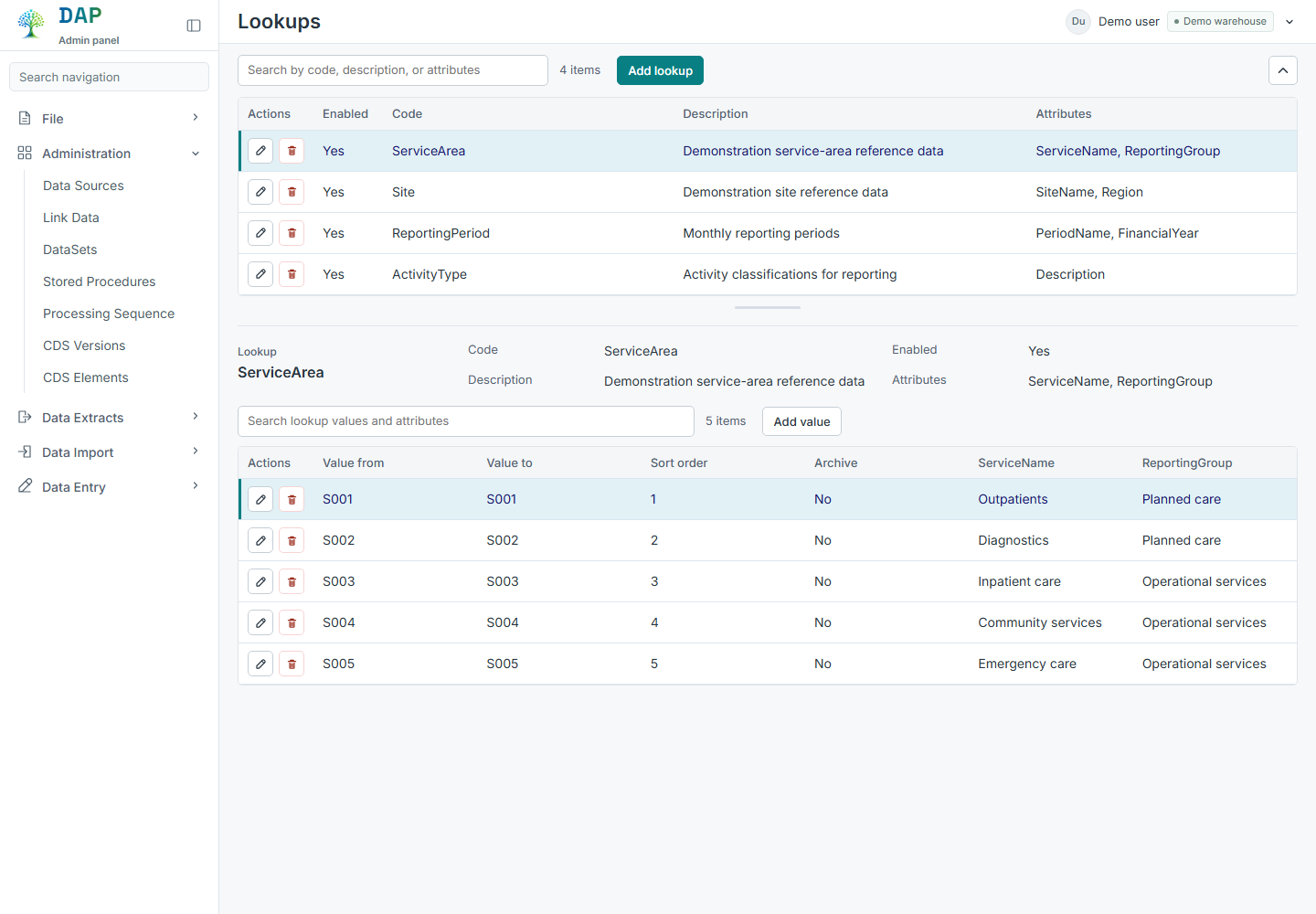
Maintain lookup tables and their values alongside the mappings used by your warehouse. Bring reference data into the same environment as the processes and reporting that depend on it.
- Lookup-table and attribute management
- Reference-data mappings
- User-maintained tables
03Prepare and run extracts.
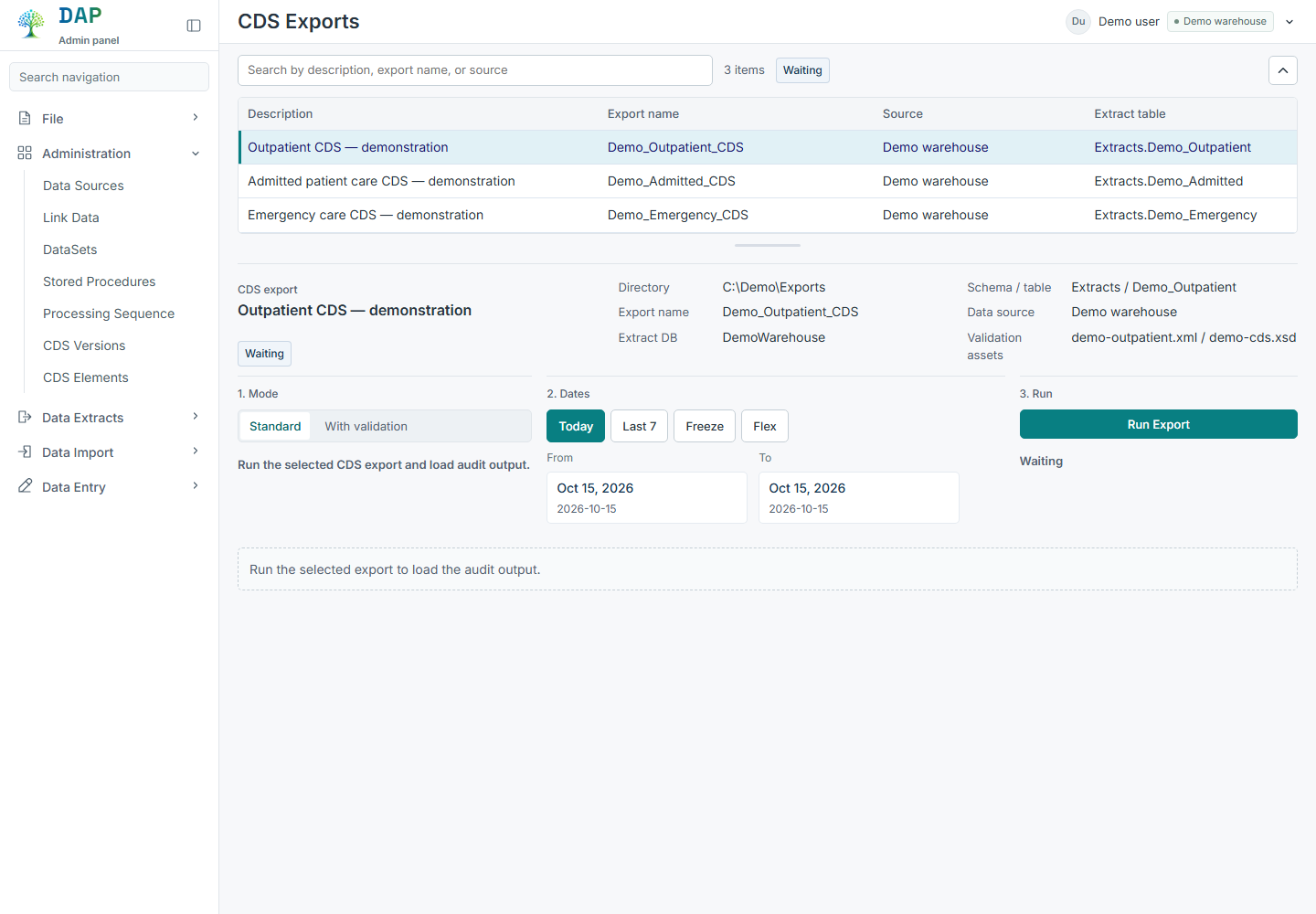
Work with NHS extract definitions and file outputs from your warehouse environment. DAP includes CDS and COSD workflows, XML and delimited exports, and configuration for CDS versions, elements and mappings. The datasets and outputs needed are agreed for your implementation.
- CDS and COSD extract workflows
- XML and delimited file exports
- CDS version and element configuration
- XML mappings and schema validation
04Schedule exports and review processing.
Configure scheduled delimited exports and review their run history. Alongside export management, warehouse build audits help technical teams see processing timings and failures.
- Scheduled delimited exports
- Export run history
- Warehouse build timings and failure visibility
05Explore definitions and relationships.
Use the data dictionary and schema explorer to understand fields, relationships and documented mappings. Where metadata is available, follow the recorded sources and transformation rules behind a field.
- Searchable field definitions
- Interactive schema and relationship views
- Documented mappings and field-level lineage
06Manage imports and grouper configuration.
Administer external import definitions and the configuration used for HRG grouping. Keep the relevant versions, paths and output settings accessible alongside the other warehouse administration tasks.
- External import configuration
- HRG types and versions
- Grouper output and path settings